
Plain-language statuses
Every TCS status explained in simple words, so you know if you need to act.
Enter your TCS tracking ID below to see where your parcel is right now. In a few seconds you get the current status, the route from the sender's city to yours, the booking date and every scan, newest first.
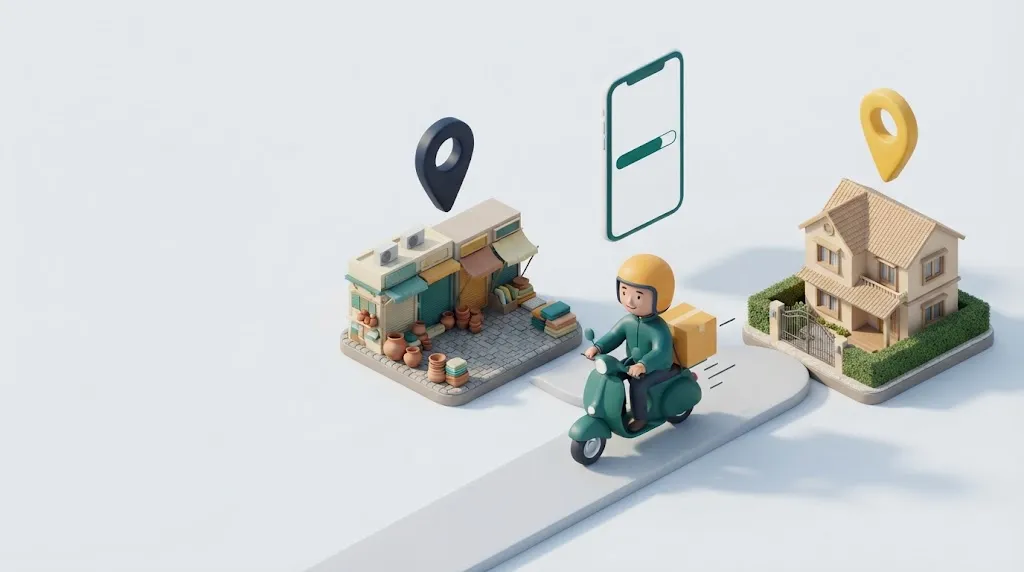 On the way
Delivered
Tracking results come live from TCS. This site is an independent guide and is not run by TCS. For official help, call TCS on 111-123-456.
Every TCS parcel gets a tracking ID when it is booked. Each time the parcel is handled, staff scan it and a new line appears in its history. That history is what you see when you track.
| Item | What it tells you |
|---|---|
| Current status | The latest scan, for example "In transit" or "Out for delivery" |
| Origin | The city where the parcel was booked |
| Destination | The city it is going to |
| Booking date | The day the sender handed it to TCS |
| Scan history | Every update with place, date and time, newest at the top |
A parcel does not send its location by itself. It is updated only when it is scanned, usually when it is booked, when it leaves the first city, when it reaches a sorting hub, when it arrives in your city and when a rider takes it out for delivery.
This is why a parcel can show the same status for many hours. A long road trip between two cities has no scans in between. A quiet status does not mean the parcel is lost.
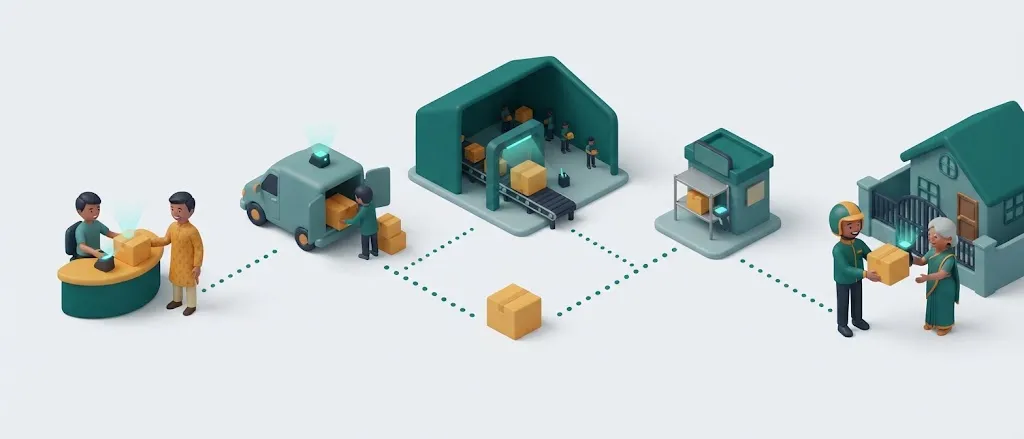
Every TCS status explained in simple words, so you know if you need to act.
A light page that loads quickly on slow connections and small screens.
No pop-ups over your result and no sign-up. Just your parcel.
Guides for delays, wrong addresses, returns and complaints, right below the result.
You can track any TCS parcel in under a minute if you have its tracking ID.
It is on your booking receipt, in the booking SMS or on the seller's order page.
Type or paste the full ID. Spaces and dashes are removed for you.
Your result appears in a few seconds, straight from TCS.
Open "See all updates" for the full history of your parcel.
If the parcel was booked today, wait a few hours. A new booking can take time to appear.
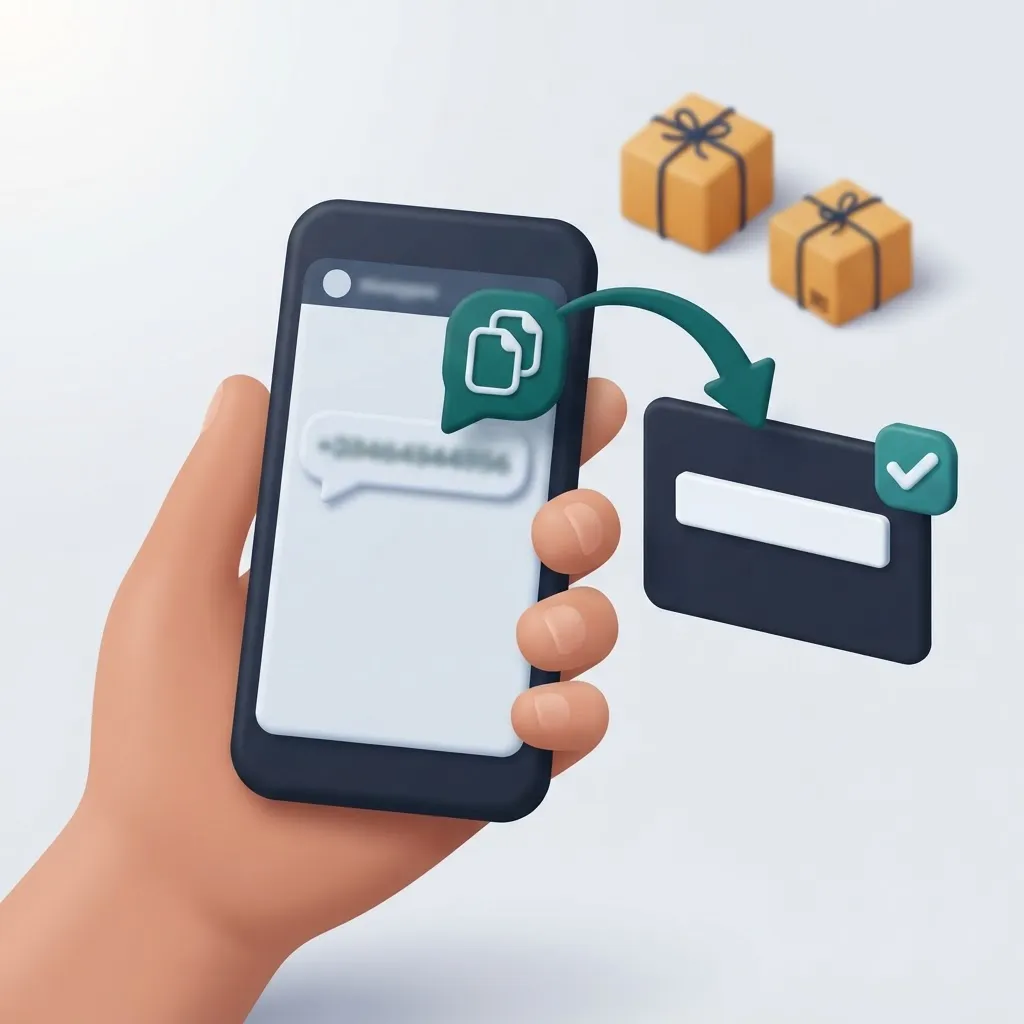
Long-press the tracking ID in your SMS and tap Copy, then come back here and paste it. This avoids typing mistakes, the main reason for a "not found" result. Bookmark this page or add it to your home screen so tracking is one tap away next time.
Track them one at a time. Each result stays on screen until you search again, so you can screenshot it and share it on WhatsApp with the sender or receiver.
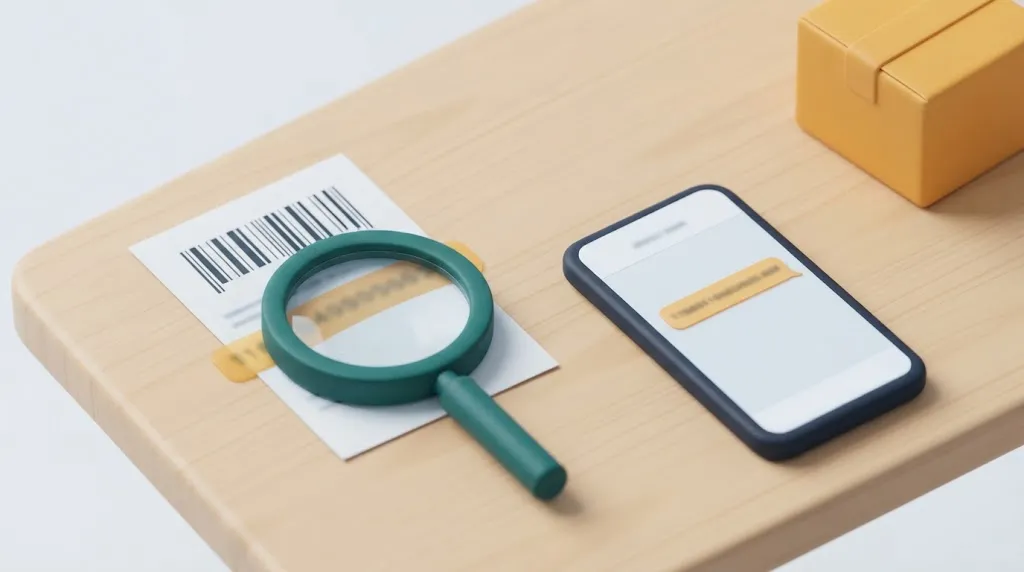
Your tracking ID is the number TCS gives your parcel at booking. TCS staff on the helpline will ask for this same ID.
| Where to look | What to look for |
|---|---|
| Booking receipt | The tracking number printed on the receipt, often near the barcode |
| Booking SMS | The ID in the message sent after booking |
| Online order | "Tracking number" or "Tracking ID" on the order page, email or WhatsApp message from the shop |
| Business sender | The ID in the seller's dispatch message or invoice |
| No receipt or SMS | Ask the sender. They have it on their copy of the receipt |
It is a long string of digits. Copy it exactly as printed. One missing, extra or swapped digit gives a "not found" result or the wrong parcel.
Ask the sender first, since they keep a copy. If that is not possible, contact TCS on WhatsApp or 111-123-456 with the sender's name, both cities and the booking date.
The tracker above is the fastest way, but TCS also gives updates through its own channels. Keep your tracking ID ready for all of them.
| Method | How | Best for |
|---|---|---|
| Message TCS on +92 21 111 123 456 with your tracking ID | Quick status and simple questions | |
| Phone | Call the TCS helpline 111-123-456 | Delays, address changes, complaints |
| Express Centre | Visit any TCS Express Centre with your receipt | Collecting a held parcel, rebooking |
| Online account | Log in to My TCS on the TCS website | Business senders with many parcels |
Public tracking works with the tracking ID, not a phone number. If you only have a mobile number, ask the sender for the tracking ID, or contact TCS on WhatsApp or the helpline with the booking details.
No. Tracking by name or CNIC is not offered publicly. This protects your privacy, since anyone could otherwise look up your parcels.
Source: TCS customer services page

Most worry comes from the status words, so here is what each one means and whether you need to do anything. The exact wording on TCS can vary a little.
| Status you see | What it means | Do you need to act? |
|---|---|---|
| Booked | The sender handed the parcel to TCS and a tracking ID was created | No |
| Picked up | TCS collected the parcel from the sender's home, shop or office | No |
| Arrived at origin facility | The parcel reached the TCS sorting centre in the sender's city | No |
| Departed / Dispatched | The parcel left a TCS facility for the next city or hub | No, wait for the next scan |
| In transit | The parcel is on the road or in the air between cities | No, this can last a day or more |
| Arrived at destination facility | The parcel reached the TCS centre in your city | No, delivery is usually close |
| Out for delivery | A rider has your parcel and will deliver it today | Keep your phone on and someone at the address |
| Delivery attempted | The rider tried but could not deliver | Yes: call TCS to set a new time |
| On hold | Delivery is paused, for example wrong address, no one home or office closed | Yes: call TCS with your tracking ID |
| Refused by consignee | The receiver did not accept the parcel | Sender should contact the receiver |
| Delivered | TCS marked the parcel as handed over | Only if you did not get it (see below) |
| Returned to shipper | TCS is sending the parcel back to the sender | Yes: contact the sender to rebook |
Many TCS parcels are online orders from Daraz, Instagram and Facebook shops. These work the same way, with a few differences.
The shop has "shipped" your order but tracking shows nothing. Some sellers create the booking before handing the parcel to TCS. Tracking starts only after TCS receives it. Wait a day, then ask the seller when they actually handed it over.
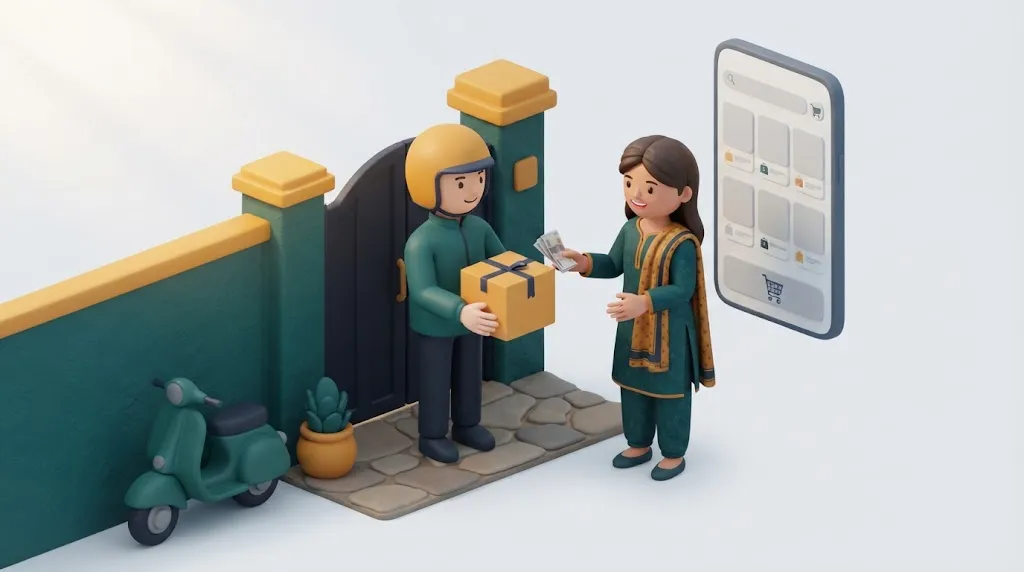
Cash on delivery (COD). You pay the rider in cash when the parcel arrives. Keep the exact amount ready, since riders may not carry change.
Can I open the parcel before paying? That depends on the seller's policy, not TCS. Check the order page or ask the seller before delivery day.
Do not want the order any more? Tell the seller, not just the rider. A refused parcel goes back to the seller and usually shows "Refused" and then "Returned to shipper".
For sellers: share this page with your customers along with their tracking ID, so they can check the status themselves.
A "not found" result usually has a simple cause. Work through these in order.
It is normal to see no new update for a day while the parcel travels between cities. Act when the status has not changed for 2 working days or more between big cities, or the parcel shows "Arrived at destination" but has not gone out for delivery after 2 days.
Then call 111-123-456 or message TCS on WhatsApp with your tracking ID and ask where the parcel was last scanned. Write down the agent's name and any complaint number.
Delivery time depends on the service the sender booked and the distance between the two cities. TCS sells several service levels, from overnight express to slower economy options, so the same route can take different times.
TCS says it delivers on holidays in 12 cities: Karachi, Hyderabad, Sukkur, Quetta, Multan, Faisalabad, Lahore, Sialkot, Gujranwala, Islamabad, Rawalpindi and Peshawar. In other areas, expect delivery on the next working day.
Source: TCS customer services page

| Problem | First step | If that does not work |
|---|---|---|
| Shows Delivered, but you did not get it | Ask family, neighbours, the building guard or office reception | Call TCS the same day with your tracking ID and ask who received it |
| No update for many days | Check the ID and wait 2 working days | Call TCS and ask where it was last scanned |
| Parcel arrived damaged | Take photos of the box and the item before opening fully | Report it to TCS and the sender right away |
| Wrong or incomplete address | Call TCS with the correct address and a landmark | Ask the sender to update the booking |
| Parcel lost | Ask the sender to file a claim, since they booked it | Keep the receipt and all complaint numbers |
| Rider asked for extra money | Pay only the amount shown for COD | Report it to TCS with the date and tracking ID |
Call the TCS helpline 111-123-456 or message +92 21 111 123 456 on WhatsApp. Have your tracking ID, the sender and receiver names and cities, and what the tracking shows ready.
If the problem is not fixed on the first call, ask for a complaint reference number and quote it every time you follow up.
TCS also ships documents and parcels abroad and handles some parcels coming into Pakistan. You can track these with the same tracking ID while the parcel is in the TCS network.
International parcels pass through customs in both countries. A status such as "held at customs" or no update for several days is common while papers are checked. If customs asks for documents or duty, TCS or the partner courier will contact the sender or receiver.
Once a parcel leaves Pakistan, final delivery may be done by a partner courier abroad. If tracking stops after it leaves the country, ask TCS for the partner's tracking number.
TCS has its own customer care in the UAE (+971 600565651) and the UK (+44 208 849 5600) for parcels sent from those countries.
Source: TCS UAE website

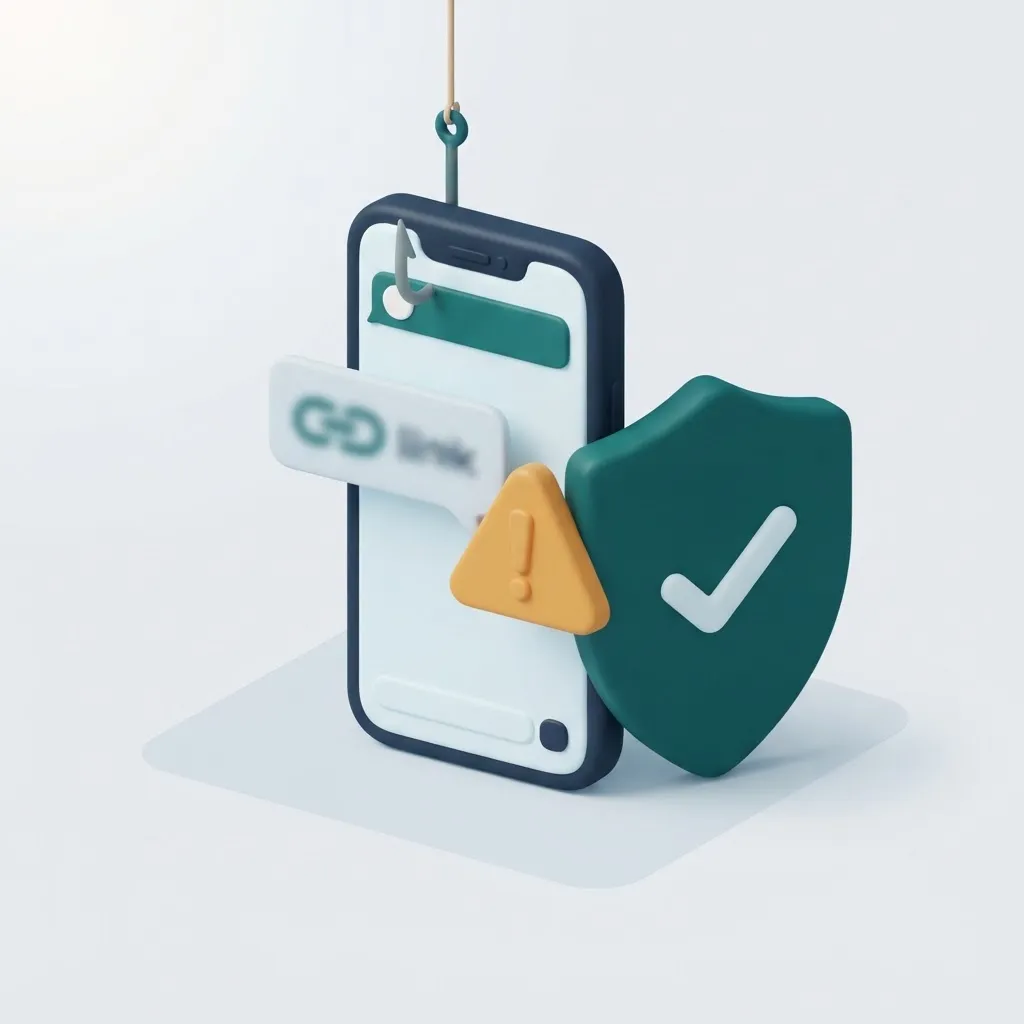
Scammers send messages that look like courier updates, such as "Your parcel is on hold, pay a small fee at this link". Before you tap any link:
Pick your city for branch addresses, timings and local contact numbers.
Tracking covers all the main TCS services. The official TCS website lists these service areas:
Documents and parcels within Pakistan.
Shipping to and from other countries.
Delivery and cash on delivery for online sellers.
Larger and business shipments.
Sending gifts to loved ones in Pakistan.
TCS, short for Tranzum Courier Service, is a Pakistani courier and logistics company based in Karachi. It was founded in May 1983 by Khalid Nawaz Awan, a former PIA flight engineer, and his brother Sadiq Awan, first as a joint venture with DHL. Over the years it has delivered bank documents, passports and visa papers, and today it also serves online sellers across Pakistan.
Head office: 101-104 Civil Aviation Club Road, Karachi 75202. Official website: tcsexpress.com.
Source: Wikipedia and the official TCS website
اپنا TCS پارسل ٹریک کرنے کے لیے اوپر والے باکس میں ٹریکنگ آئی ڈی لکھیں اور "Track parcel" دبائیں۔ ٹریکنگ آئی ڈی آپ کی رسید یا بکنگ کے SMS میں ہوتی ہے۔ اگر نتیجہ نہ ملے تو آئی ڈی دوبارہ چیک کریں یا چند گھنٹے بعد کوشش کریں۔ مدد کے لیے TCS ہیلپ لائن 111-123-456 پر کال کریں یا +92 21 111 123 456 پر واٹس ایپ کریں۔
Enter your tracking ID in the box at the top of this page and press Track parcel. You will see the current status and every scan.
It is the number TCS gives each parcel at booking. It is printed on the receipt and sent in the booking SMS.
Look for the tracking number printed on the receipt, often near the barcode. Copy every digit exactly.
Not online. Ask the sender for the ID, or contact TCS on WhatsApp or 111-123-456 with the sender and receiver details.
Public tracking uses the tracking ID only. With just a phone number, ask the sender or contact TCS with the booking details.
The ID may be mistyped, the booking may be too new, or it may belong to another courier. See the checklist above.
Your parcel has left a TCS facility and is on its way to the next city or hub. No action is needed.
A rider has your parcel and will try to deliver it today. Keep your phone on and someone at the address.
Ask family, neighbours or your building guard first. If no one has it, call TCS the same day with your tracking ID.
Delivery did not happen and TCS is sending the parcel back to the sender. Contact the sender to arrange a new delivery.
It depends on the service booked and the distance. Express services between big cities are quicker than economy services to small towns.
TCS says it delivers on holidays in 12 major cities, including Karachi, Lahore and Islamabad. Other areas may wait until the next working day.
Only when the parcel is scanned, for example at booking, at each facility and when it goes out for delivery. Long gaps between cities are normal.
Call 111-123-456 or message +92 21 111 123 456 on WhatsApp.
No. This is an independent tracking guide. Tracking results come live from TCS, and the official site is tcsexpress.com.
TCS Tracking is an independent guide that helps people in Pakistan track TCS parcels and understand what each update means. We are not owned by, or partners of, TCS. TCS is a trademark of its owner.
We check phone numbers and service details against the official TCS website, and update this page when they change.
Written by Hamza Ali. Last updated: 1 October 2026. Spotted a mistake? Contact us and we will fix it.
Paste your TCS tracking ID and see every scan in seconds.
Track my parcel